Designed for client meetings, specs, and field documentation
Included in both ProjectBright Starter ($14.99/mo) and ProjectBright Pro ($29.99/mo).
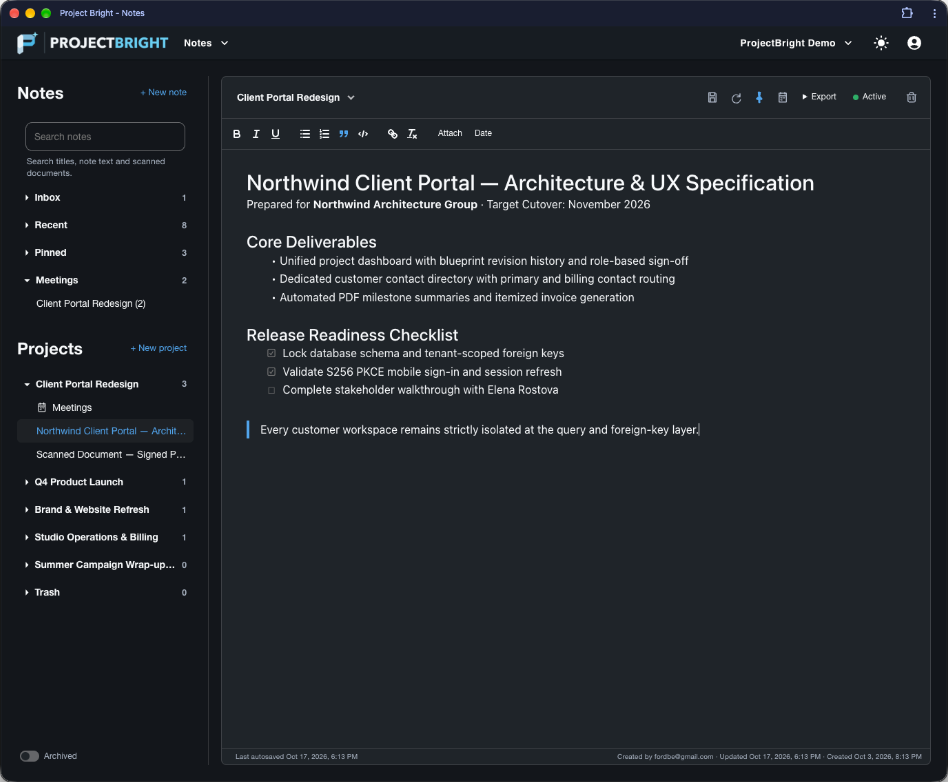
Rich Text Editor with Automatic Saving
Format notes with headings, bulleted and numbered lists, interactive checklists, blockquotes, code blocks, links, and inline images—saved automatically as you type.
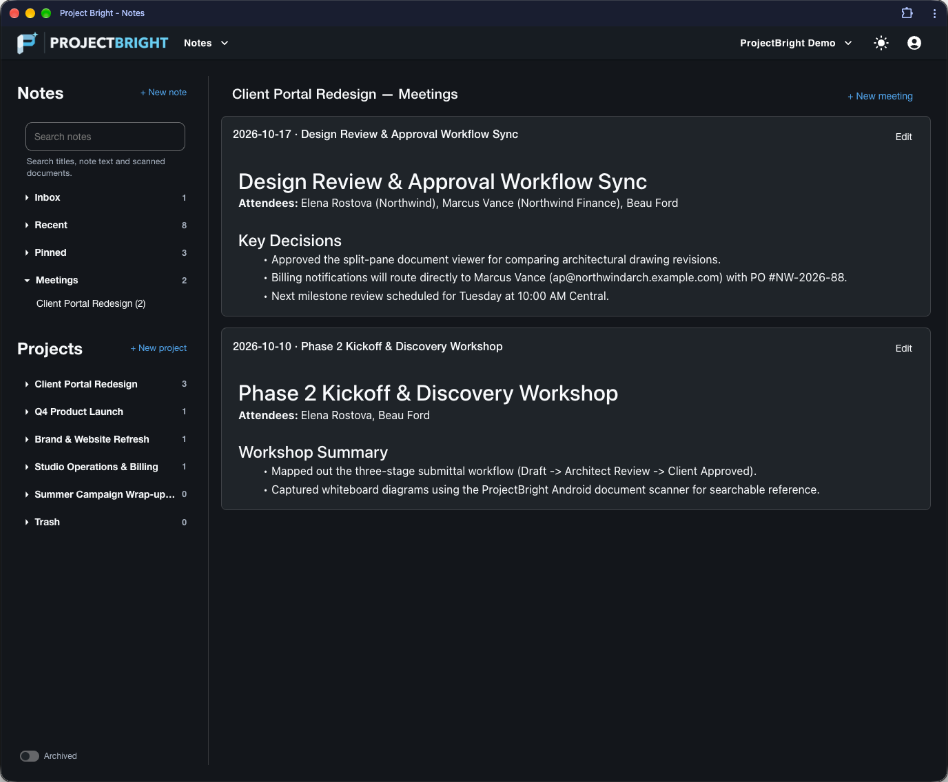
Continuous Project Meeting Journals
Switch any project into Meeting Notes view to read and edit dated meeting entries in one continuous, chronological scroll—complete with a date timeline rail and one-click 'Add today'.
Android Multi-Page Document Scanner
Use the Android app's ML Kit Document Scanner to capture contracts, change orders, and whiteboards with automatic edge detection and perspective correction.
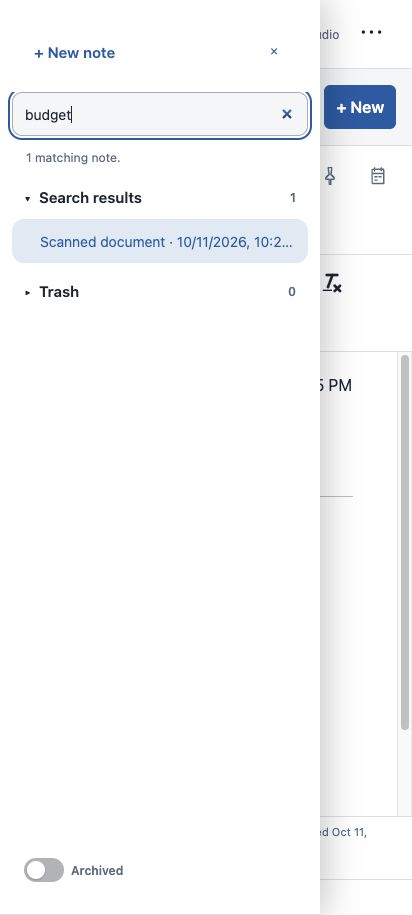
Private OCR Search Inside Scans
Printed text inside scanned documents is indexed privately on your attachment so full-text search finds matching notes—without dumping raw OCR clutter into your formatted note.
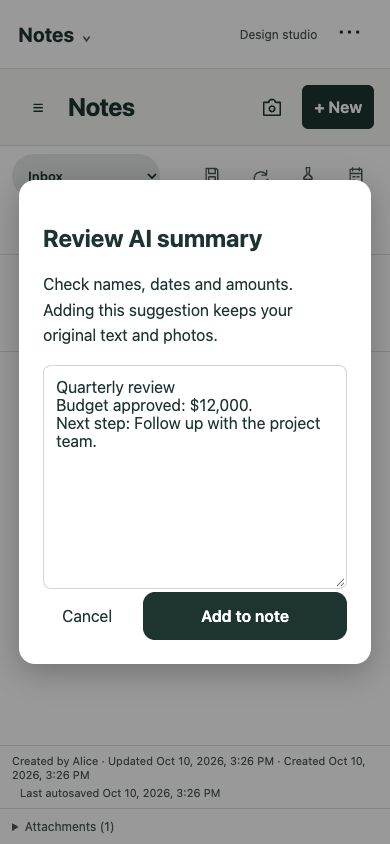
User-Reviewed AI Organize & Summarize
When you want to clean up rough meeting notes or draft an executive summary, trigger AI Organize or Summarize and review the side-by-side preview before applying changes.
Export to PDF, HTML, or Markdown
Share deliverables with clients or external stakeholders by exporting any note—including embedded images—to a clean PDF, standalone HTML file, or Markdown document.
Continuous meeting journals for every project
Stop hunting through dozens of disconnected files to find what was decided two weeks ago. When you assign a meeting date to a project note, ProjectBright weaves it into that project's **Meeting Notes** journal. Scroll smoothly through every client conversation in reverse-chronological order, jump to any date from the right-hand timeline rail, or click **Add today** to start today's agenda at the top of the stream.
Scan paper documents on Android and find them by text
Whether you're scanning a signed change order, a vendor receipt, or a whiteboard sketch after a workshop, ProjectBright's Android document scanner crops and enhances each page automatically. On-device text recognition indexes the words on the page and attaches them privately to your workspace—so searching for a PO number or clause highlights the exact note on both web and mobile.
Optional AI assistance—always under your control
When AI integration is enabled, the Notes toolbar gives you two practical actions: - **Organize** — Structures rough, stream-of-consciousness notes into clean headings, bullet points, and action items. - **Summarize** — Generates a concise executive summary and key takeaways. ProjectBright never overwrites your note behind your back: you inspect the proposed revision in a preview modal and choose whether to apply or discard it.